


AR Drawing: Sketch & Paint
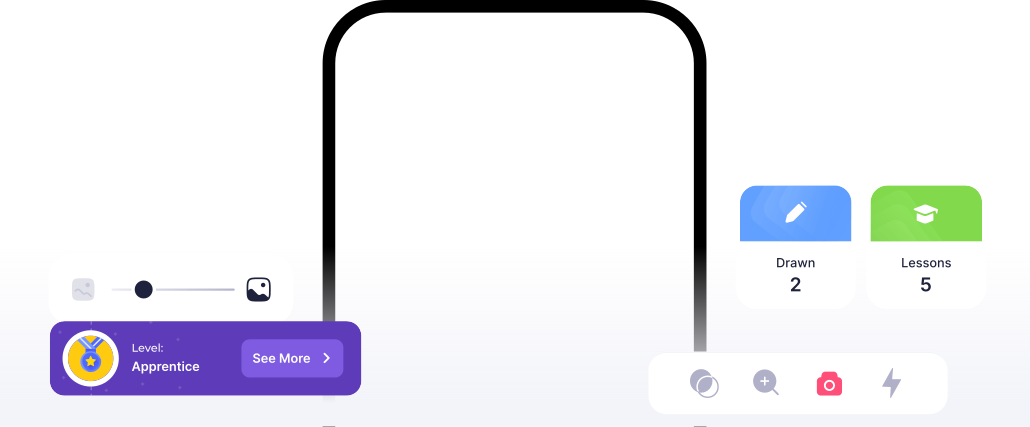
More than 200 step-by-step lessons will provide a huge progress in learning to draw. When you have finished these lessons, your level of drawing will multiply and you will be able to draw using both the smartphone camera and entirely on your own.
700+ ready templates for drawing: draw anime, portraits of people, parts of the body, animals, landscapes, architecture and even more. Additionally, our templates are made for different levels of difficulty, you can draw in color with pencils, felt-tip pens or paints, or you can draw black and white.
Upload your photos and any other drawings you want to draw using the AR Drawing. Draw yourself, your friends and your favorite pets. Additionally, you can draw any character from movies and anime, famous people, and other characters by uploading your sketches on your own, you can draw anything you want in unlimited quantities.
700+ ready templates for drawing: draw anime, portraits of people, parts of the body, animals, landscapes, architecture and even more. Additionally, our templates are made for different levels of difficulty, you can draw in color with pencils, felt-tip pens or paints, or you can draw black and white.
Upload your photos and any other drawings you want to draw using the AR Drawing. Draw yourself, your friends and your favorite pets. Additionally, you can draw any character from movies and anime, famous people, and other characters by uploading your sketches on your own, you can draw anything you want in unlimited quantities.
Elevate your drawing skills with our app, harnessing the power of AR technology to bring your creations to life.
Draw on paper
Drawing lessons
Create picture with AI
New
Text drawing
New
AR Drawing Features
Coloring pages
Screen drawing
Reviews


The best app ever
It crazy and so cool you have to get this there is so much things you can do


Gamergurl💝🥰
May 12
My review
After 36minutes and 10 seconds I made a masterpiece! The app is amazing!
Rana Mckee
May 12
Amazing app…
It works really well and helps improve on skill, look forward to using it. More☺️
Mishubr
May 12
FAQ
What is AR Drawing?
AR Drawing is a drawing app for iPhone and Android. Through your phone camera it projects a sketch onto your paper, so you can trace it with a real pencil. It includes 200+ step-by-step lessons and 700+ templates, and its AI can turn a photo or a text prompt into a sketch.

Who can use our AR Drawing app and why?
Our AR Drawing app is perfect for anyone looking to improve their drawing skills. It offers features such as Sketch, drawing lessons, creating pictures with AI, AR Text, coloring pages, and screen drawing. This makes it useful for both beginners and experienced artists, providing an engaging and effective learning experience.
Is AR Drawing free?
AR Drawing is free to download. Without a subscription you can use free daily lessons, free images in Camera and Trace modes, and coloring. Premium unlocks unlimited access to all lessons, templates and AI features, without ads. Plans and prices are shown in the app before you pay.
What does the Premium Subscription offer?
The Premium Subscription unlocks unlimited access to Sketch, drawing lessons, AI-assisted picture creation, AR Text, coloring pages, and screen drawing. Enjoy an ad-free experience and maximize your creative potential.
How can I change or cancel my subscription?
On iPhone or iPad, open Settings, tap your name, then Subscriptions, and choose AR Drawing. On Android, open Google Play, tap your profile icon, then Payments & subscriptions, then Subscriptions, and choose AR Drawing. Deleting the app does not cancel the subscription. Premium stays active until the end of the paid period. If you need help, write to app@ar-drawing.com.

Don't have any suitable sketches to draw?
Just write what you want to draw and our AI will generate the right sketch adapted to your drawing level.

Is it very difficult to draw portraits from photos?
It's not a problem anymore, because we have created a unique technology based on AI (artificial intelligence), which converts your portraits into suitable for drawing sketches. You can use AI for unlimited amount of times!

Does AR Drawing work on iPhone and Android?
Yes. AR Drawing is free to download on the App Store for iPhone and iPad (iOS 15 or later) and on Google Play for Android. Some features require a Premium subscription.

Is AR Drawing safe to use?
Yes. AR Drawing is published on the App Store and Google Play by Digital Solutions Technologies Limited. The app asks for camera access to show the sketch on your paper. Photos you upload for photo-to-sketch are used only to create your sketch and are deleted automatically within 24 hours. The app is not intended for children under 13 (16 in the EU). Details are in our Privacy Policy.

Is ar-drawing.com the official AR Drawing website?
Yes. ar-drawing.com is the official website of AR Drawing: Sketch & Paint. The app is published on the App Store and Google Play by Digital Solutions Technologies Limited, and the AR Drawing name is our registered trademark. Websites with similar names are not affiliated with us.

AR Drawing: Sketch & Paint
© 2023 Digital Solutions Technologies Limited. The logo and “AR Drawing” brand name are our registered and unregistered trademarks in the EU, US, UK, and other jurisdictions.
This website uses cookies to ensure you get the best experience